
Download Art Shop Simulator – Creative Painting, Shop Management, Art Dealer, Simulation Game
Overview
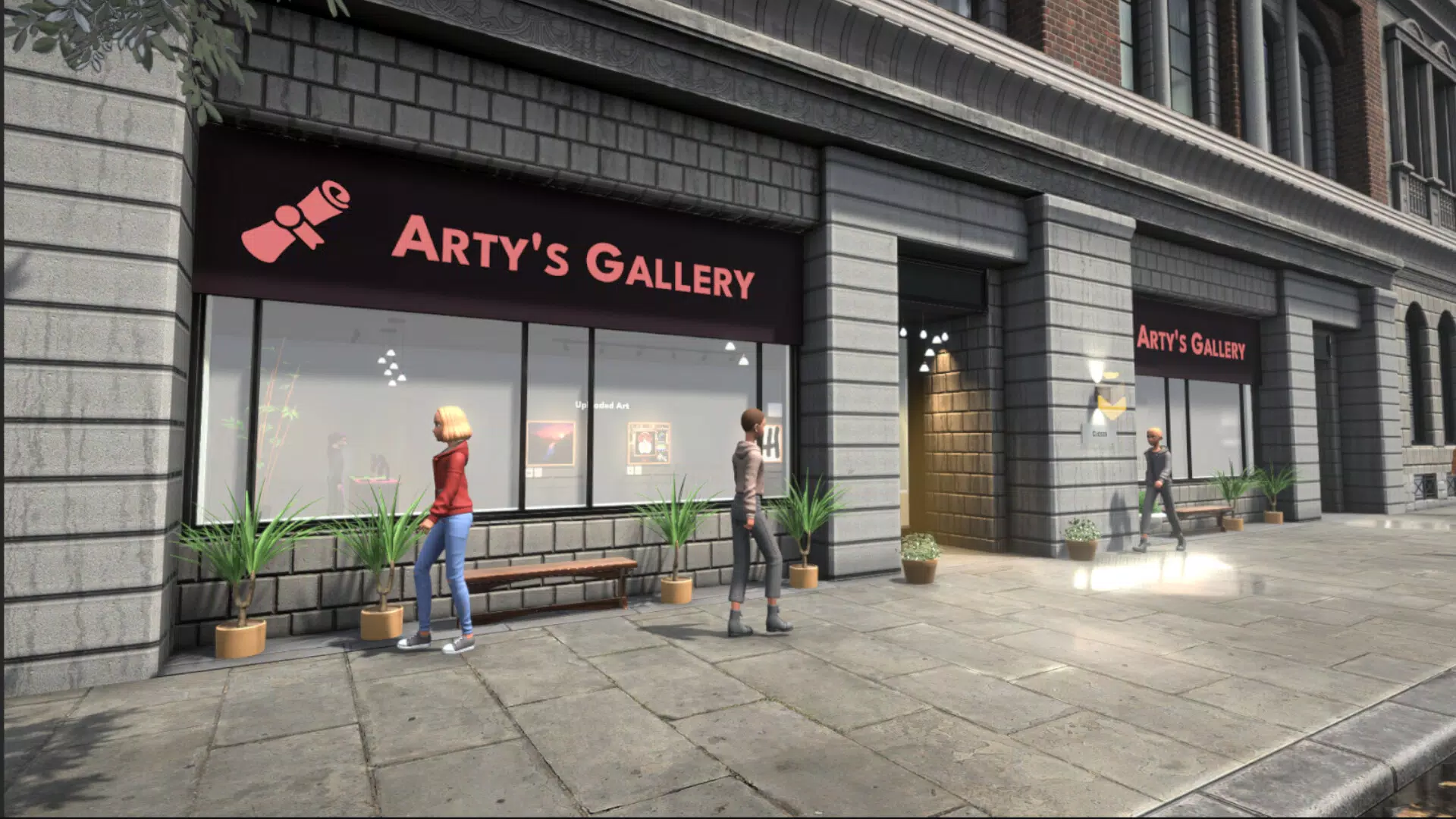
Art Shop Simulator offers a unique blend of creative expression and strategic business management within a calming, immersive environment. Designed for players who appreciate both artistic freedom and simulation-based gameplay, the app invites users to step into the role of an aspiring art dealer tasked with building and expanding a thriving art shop. The core purpose of the game lies in balancing the creative process of painting with the operational demands of running a retail business, offering a distinctive experience in the mobile gaming space.
Players engage in a variety of real-world use cases, such as designing original artwork, managing inventory, pricing collections, and overseeing staff. The game addresses the desire for both creative fulfillment and strategic planning, making it ideal for casual gamers, art enthusiasts, and simulation fans seeking a relaxing yet engaging experience. While the developer has not provided additional background information, the game’s focus on artistic progression and shop expansion suggests a thoughtful design philosophy centered on player agency and long-term engagement.
Within the mobile app ecosystem, Art Shop Simulator stands out by merging two popular genres—creative tools and management simulations—into a cohesive, meditative gameplay loop. Its emphasis on personal expression, combined with the satisfaction of business growth, positions it as a valuable addition to the category of lifestyle and productivity-oriented mobile games.
Key Features & Functionality
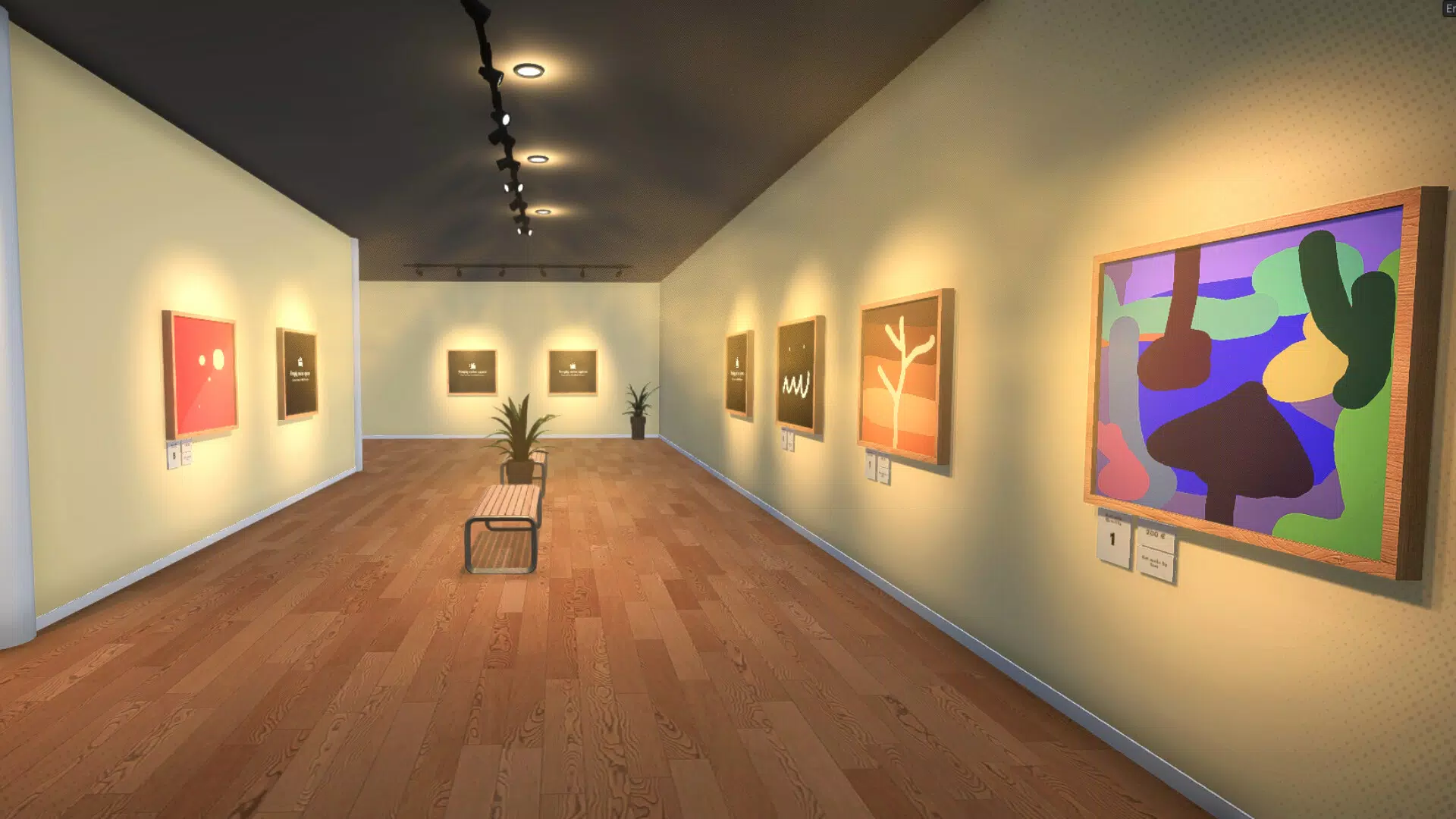
- Creative Painting Experience: Players can craft original artworks using a variety of tools and artistic styles, allowing for personal expression and experimentation. This feature supports a wide range of visual outcomes, from abstract designs to realistic sketches, enabling users to build a unique portfolio.
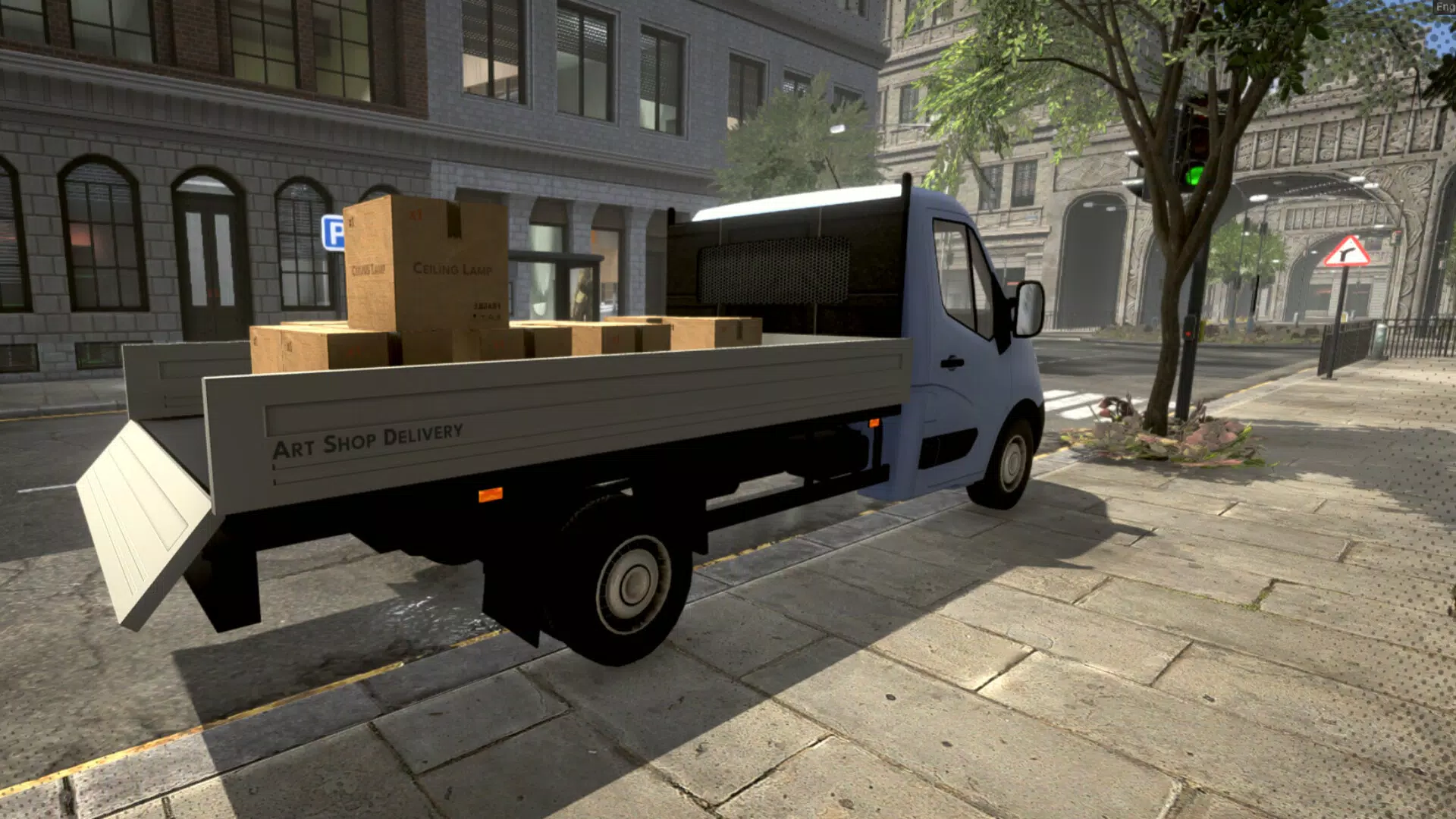
- Shop Management Controls: The game includes systems for managing supplies, setting competitive pricing, and arranging shop layout to optimize customer flow and satisfaction. These mechanics encourage strategic thinking and long-term planning.
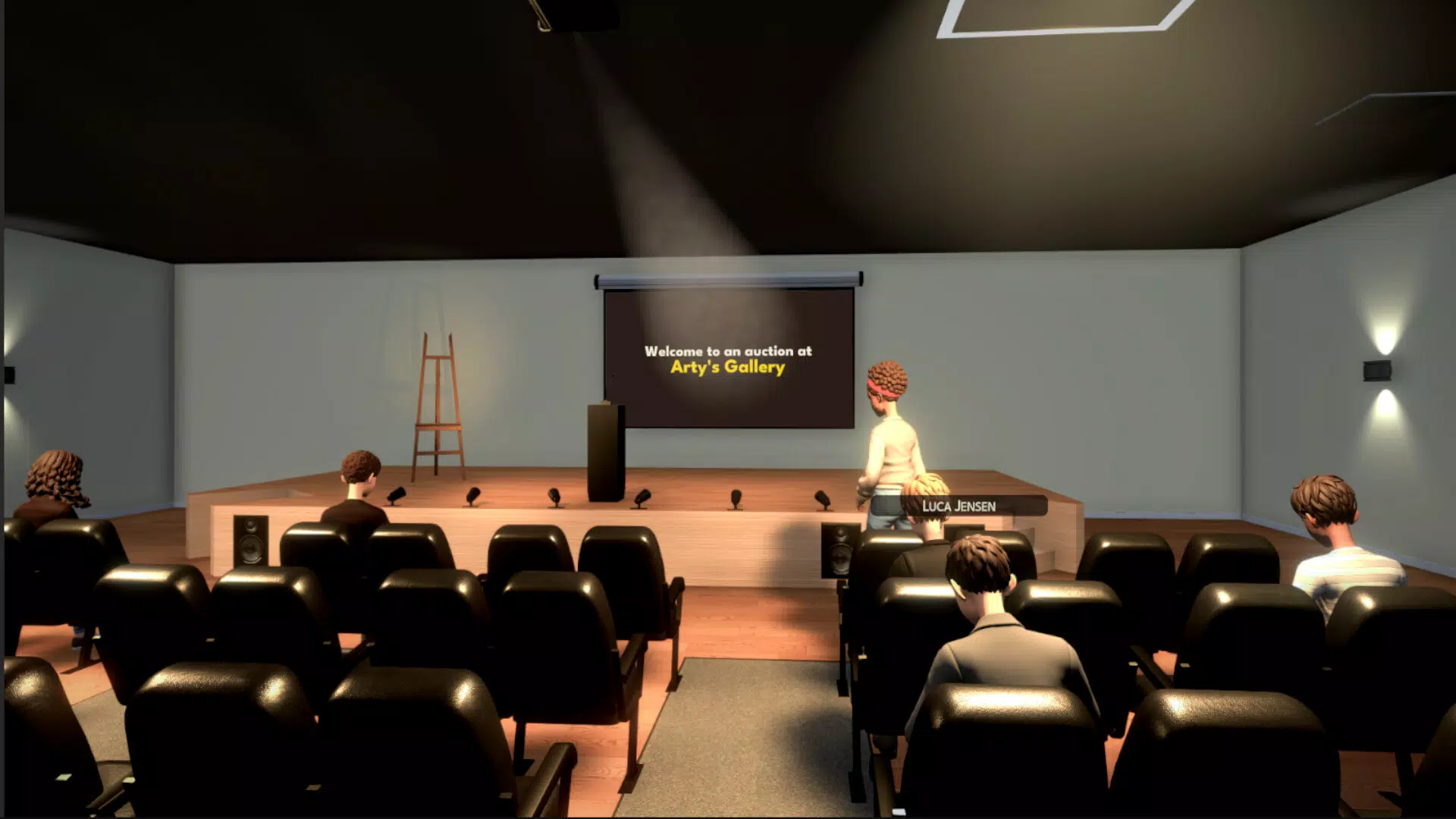
- Business Expansion Options: As the shop gains recognition, players unlock opportunities to upgrade space, add new display areas, and host special exhibitions. This progression system provides a clear sense of achievement and growth.
- Team Management: Users can hire and assign staff to handle daily operations and employ artists to produce new paintings. Effective team coordination ensures smoother workflows and higher-quality output.
- Competitive Challenges: Players face off against rival art shops through timed events, innovation goals, and market performance benchmarks. These challenges introduce variety and motivation, rewarding creativity and smart decision-making.
For example, a player might use the painting system to create a series of nature-inspired pieces, then strategically place them in a newly expanded gallery section to attract more visitors. Another might balance staff schedules to ensure peak hours are covered, improving customer service and sales. These features combine to deliver a rich, layered gameplay experience that rewards both artistic and managerial skills.
Interface, UX & Performance
The user interface of Art Shop Simulator appears to prioritize clarity and ease of navigation, with intuitive layouts that allow players to switch between creative and management modes seamlessly. Visual design leans toward a minimalist, calming aesthetic, using soft colors and clean lines to enhance the meditative atmosphere of the game. This approach reduces cognitive load and supports extended play sessions.
Navigation flows logically from one core function to another—painting, shop layout, team assignments, and market challenges—without requiring excessive menu diving. The responsiveness of the interface suggests smooth transitions between screens, although specific performance metrics were not disclosed. The developer did not provide additional technical details about device compatibility or optimization across screen sizes.
Although the developer did not list formal performance metrics, the game’s design implies stability on mid-to-high-end mobile devices. Users can expect consistent frame rates and minimal lag during both creative and managerial tasks. The app’s lightweight structure, combined with efficient asset loading, likely contributes to a stable experience across a broad range of smartphones.
Platform Compatibility & Technical Requirements
Art Shop Simulator is available on Android and iOS platforms, with the latest version released on March 13, 2025. The app has a file size of 128 MB, which is relatively modest for a mobile game with simulation and creative features. This size suggests efficient resource management and optimized content delivery.
Specific OS version requirements were not listed by the developer. Compatibility information was not fully disclosed, so users should verify system requirements through their respective app stores. The developer did not specify minimum hardware specifications, such as RAM or processor type, which may affect performance on older devices.
Pros and Cons
Pros
- Immersive blend of creativity and business simulation
- Intuitive interface with smooth navigation
- Progressive gameplay with clear expansion milestones
- Minimal file size for a feature-rich simulation game
- Relaxing atmosphere ideal for casual and creative users
Cons
- Developer did not provide detailed technical or compatibility information
- Specific OS version requirements were not listed
- No information on in-app purchases or monetization model
- Performance on low-end devices remains unverified
- Team and expansion systems may require longer playtime to unlock
FAQ
Is Art Shop Simulator free to download?
The app’s pricing model was not specified. Users should check the app store listing for the latest pricing and availability.
Can I play Art Shop Simulator on iOS and Android?
Yes, the game is available on both Android and iOS platforms. The developer did not list specific device requirements.
How large is the app file size?
Art Shop Simulator has a file size of 128 MB, which is considered lightweight for a mobile simulation game.
Does the app require an internet connection?
While the developer did not clarify connectivity needs, many simulation games of this type function offline after initial download. Check the app store details for full functionality.
Are there in-app purchases or ads?
The monetization model was not disclosed. Users should review the app’s store page for information on purchases, subscriptions, or advertising.
Final Thoughts
Art Shop Simulator delivers a refreshing and well-balanced experience that appeals to players seeking both creative freedom and strategic depth. Its thoughtful integration of painting mechanics, shop management, and progressive expansion creates a compelling loop that encourages long-term engagement. The serene visual design and intuitive interface make it accessible to casual gamers while still offering meaningful challenges for simulation enthusiasts.
Those who enjoy productivity tools, art creation, or lifestyle simulations will find significant value in this app. Whether you're looking to unwind with a creative outlet or test your business acumen in a fictional art world, Art Shop Simulator offers a rewarding journey. With its modest size and cross-platform availability, it’s a strong contender in the mobile simulation genre.
Download Art Shop Simulator now


